
When retrieving a box of accounting archives or a thick medical file of several hundred pages, the first instinct is to look for software capable of transforming this pile into usable files without spending half a day on settings. Epsilon Scan Soft, developed by EPSILON Informatique, precisely targets this need: batch scanning, optical character recognition, and automatic classification of documents in a single workflow.
Batch Processing and OCR: What Really Changes the Workflow
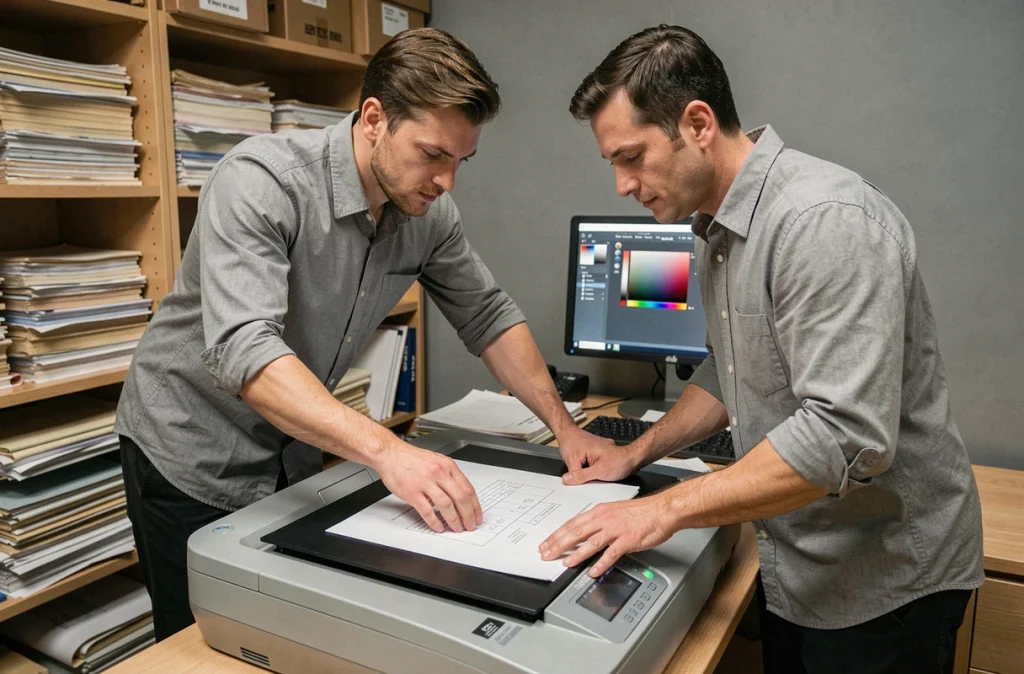
In practice, the difference between basic scanning software and Epsilon Scan Soft occurs when stacking fifty sheets in the scanner’s tray. Batch processing allows you to start a complete session without intervening page by page. You define a profile (resolution, output format, file destination), and the software takes over.
The integrated OCR layer makes each document searchable by keyword after scanning. A scanned purchase order becomes searchable by reference number, supplier name, or date. Without this function, you end up with a stock of image PDFs, unusable except for visual reading.
For those who want to know everything about Epsilon Scan Soft, the central point remains this combination of scanning-OCR-classification in a single interface, without having to juggle between three distinct tools.
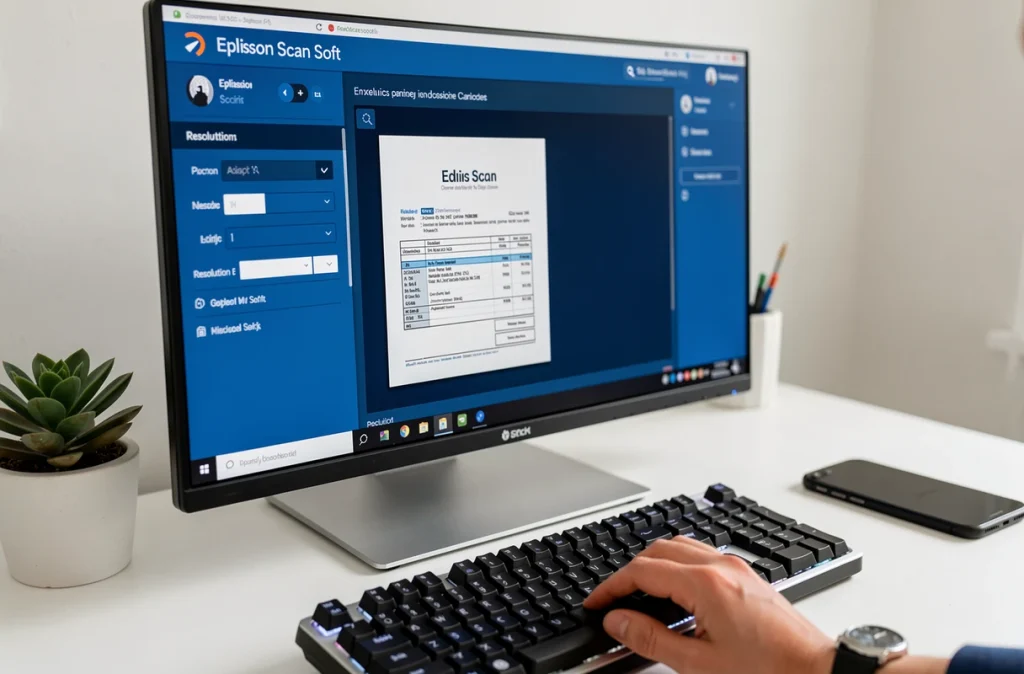
Scanner Configuration with Epsilon Scan Soft: Resolution and Output Formats
A poorly calibrated setting produces files that are either too large or unreadable by the OCR engine. It is common to see users scanning everything at 600 DPI out of caution, only to end up with folders of several gigabytes for simple administrative archiving.
Choosing the Right Resolution According to Document Type
For standard text, 300 DPI is sufficient to ensure reliable recognition. Mixed documents (text and technical diagrams) may justify 400 DPI. Beyond that, the gain in OCR readability is marginal, but the file size increases quickly.
In terms of output formats, the software handles PDF, PDF/A (long-term archiving oriented), and standard image formats. PDF/A is the logical choice for companies subject to document retention obligations, as it freezes the visual rendering regardless of the reader used.
Automatic Naming and File Classification
Epsilon Scan Soft offers a rule-based naming system: date, document type, sequential number. You configure it once, and each scanned document lands in the correct directory with a usable name. This detail prevents the chaos of files named “scan001.pdf” piling up on a Windows desktop.
- Define a profile by document type (invoice, contract, incoming mail) with pre-assigned resolution and target folder
- Activate automatic naming with timestamps to find a document by its scanning date
- Use the PDF/A format for any document intended for archiving for more than five years
Document Management on a Daily Basis: Search, Annotations, and Compliance
Once the documents are scanned, the value of the software is measured by the speed of search. Full-text indexing by OCR transforms the archive into a searchable database. You type a keyword in the search bar, and the software retrieves all documents containing that term, regardless of their location in the hierarchy.
The integrated editing allows you to add annotations directly on the scanned document, without going through an external PDF editor. In a legal office or quality department, you highlight a passage, add a comment, and the document remains in the workflow without file duplication.
Compliance and Security of Scanned Data
For companies handling sensitive data (health, legal, finance), access traceability and file encryption are non-negotiable criteria. Epsilon Scan Soft integrates user rights management functions, allowing access to certain folders to be restricted based on each collaborator’s profile.
Regulatory compliance also involves preserving original metadata: scanning date, operator identity, resolution used. This information serves as proof in case of an audit.
Optimizing Scanning on Mobile Devices with Epsilon Scan Soft
Recent feedback highlights an increasing use on mobile, not just on fixed stations. When a technician is on-site and needs to scan a report or delivery note, mobile access to the software avoids the need to return to the office to scan.
Feedback varies on this point depending on the equipment used, but capturing via smartphone coupled with OCR gives acceptable results for standard printed text. Handwritten documents or check-box forms remain more challenging to process on the go.
- Favor uniform lighting and a contrasting background to improve mobile capture quality
- Check that synchronization with the central server works before leaving the network-covered area
- Reserve mobile scanning for simple documents (printed text, A4 formats) and use the desktop scanner for complex or large documents
Epsilon Scan Soft covers a wide spectrum, from routine administrative scanning to regulated archiving. The real gain lies in the automation of classification and full-text search, two functions that eliminate repetitive handling. The initial setup requires some rigor, especially regarding resolution profiles and naming rules, but once in place, the scanning process runs smoothly without notable friction.